Violet ToolBox Does Not Open
Startup failures are commonly caused by a missing .NET 8 runtime or security software blocking the application.
Case 1: The .NET 8 runtime is missing
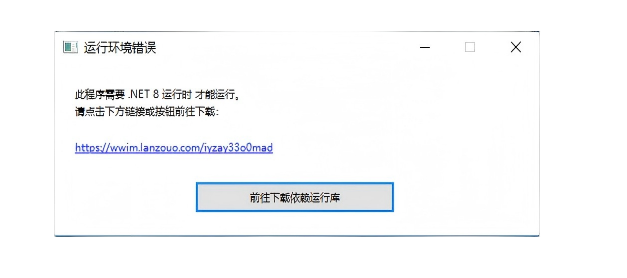
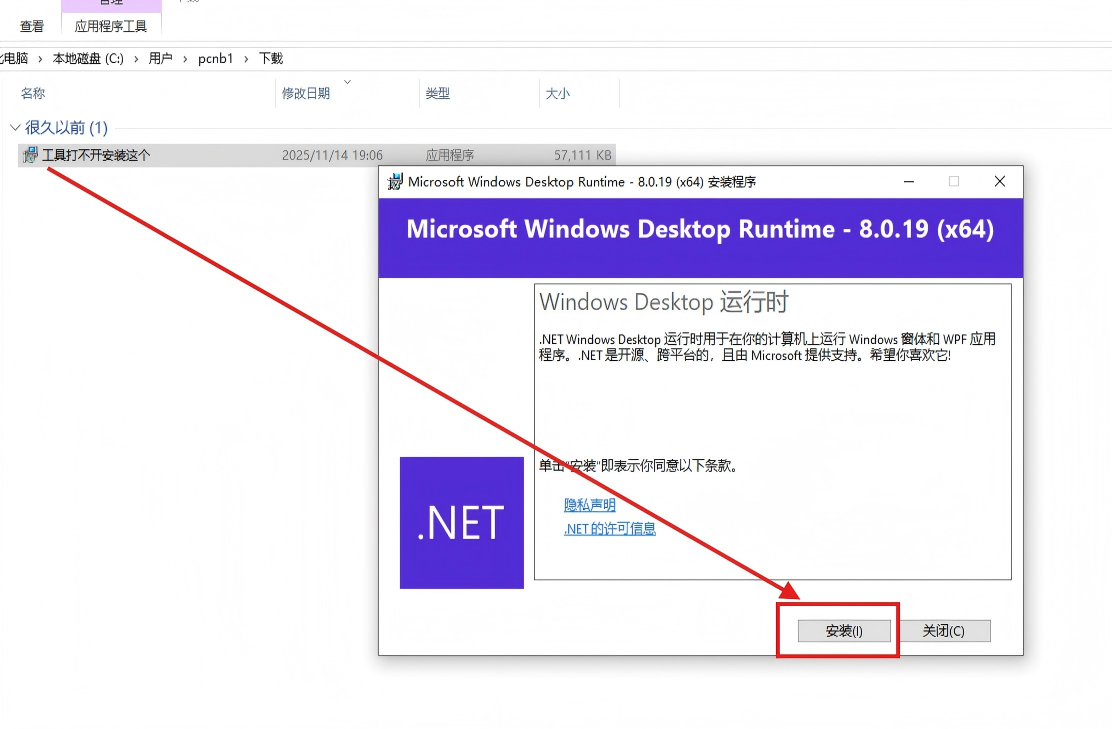
Violet ToolBox checks its runtime at startup. If a runtime error dialog appears, use its download button, install the required runtime, and reopen the tool.
Case 2: Security software blocked or quarantined the tool
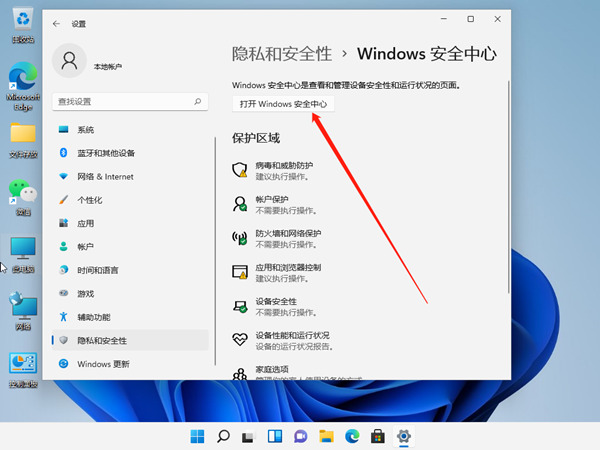
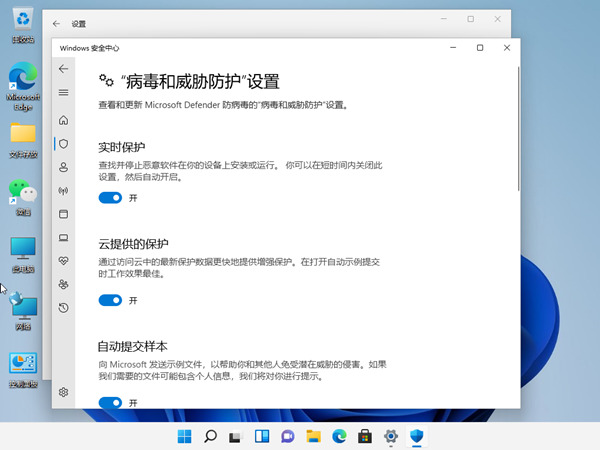
If Windows Security or another antivirus quarantined the program, verify the file source in protection history and download it again from the official website.
Security advice
Do not leave system protection disabled. Only trust files downloaded from the official Violet ToolBox website and prefer an allow-list rule when necessary.