Android Screen Casting with ADB
Mirror an Android device over USB debugging and tune image quality for your computer.
Casting settings
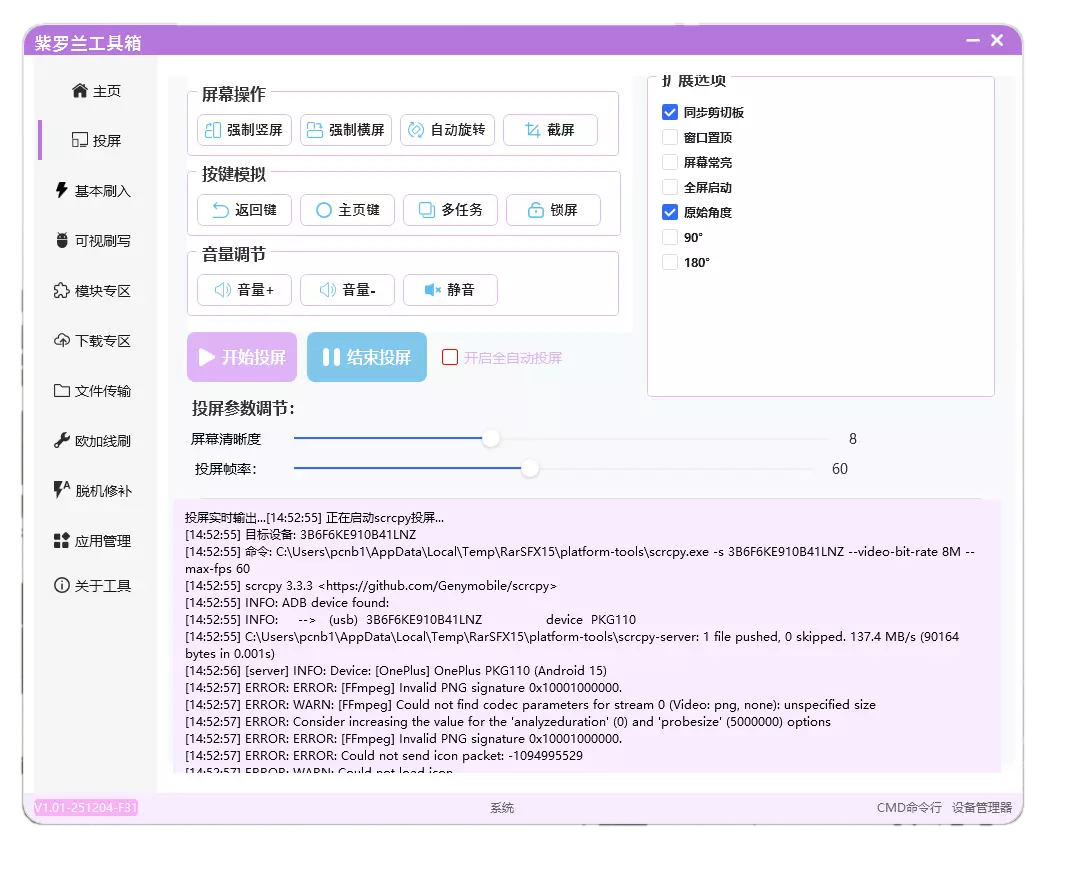
- Virtual buttons simulate device keys and control rotation; tablets can also be forced to portrait mode.
- Auto-cast restores casting when a disconnected device reconnects.
- On a lower-end PC, reduce resolution and frame rate, then reopen casting to apply the settings.
Common problems
ADB Push error
If the log shows an adb push error, use Fix ADB under Basic Flash. It requires ROOT. A non-rooted device may need a factory reset.
If a Type-C to Type-C connection drops, flip the connector or try another port.